Vendor Products Portal v.15
The tool to motivate vendors to prepare product catalog in Odoo. Vendor portal


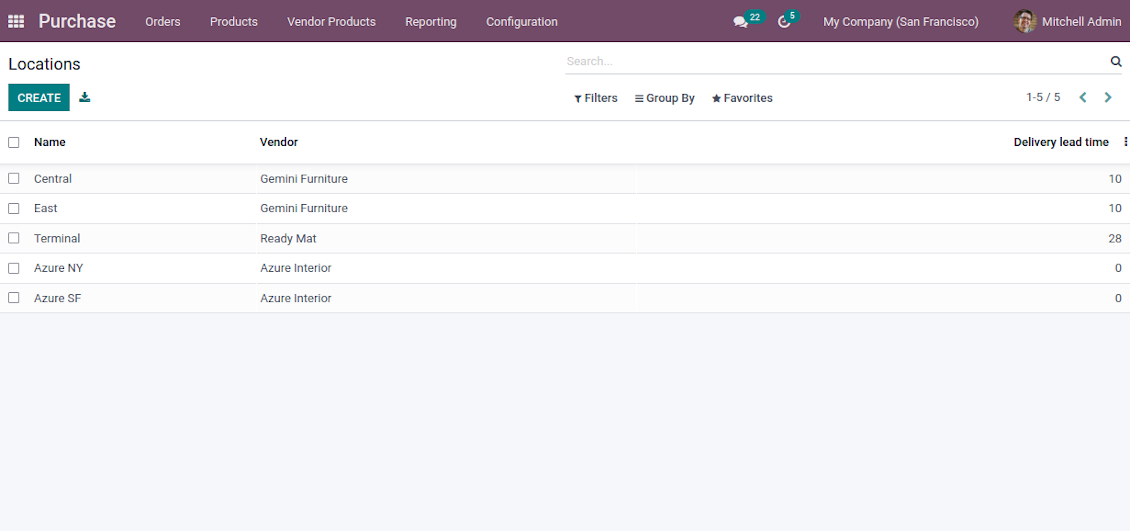

This Odoo tool aims to force suppliers to administrate their products in the Odoo portal. The app lets vendor contacts create, update, and import products they sell, related prices, and stock levels by their locations. Purchase managers might do the same and use that information for administrating procurement.
Vendor products catalog
The tool introduces a new stand-alone classifier of vendor products which is manageable either internally by purchase managers or in the Odoo portal by supplier representatives. As installed the app automatically creates vendor products based on existing Odoo products' supplier prices
Odoo sales based on supplies
Any vendor product might be linked to any Odoo product. In such a way, a purchase manager's goal becomes to match 'their' products with 'ours'. Each of our product variants might have a few linked vendor products
Supplier prices management
Portal users manage their company prices in the Odoo portal, while purchase managers might update them in the Odoo backend interface. Those prices are considered as standard Odoo 'supplier info' which correspondingly are used in purchase orders
Vendor stocks control
Both vendor representatives and purchase users register and update inventory levels by locations. Vendor products' stocks data is available both in the Odoo portal and from product variant, product template, and supplier backend form views
Vendor data import
The tool lets import vendor products, prices, and stock levels as Excel tables of predefined formats. In such a way, suppliers may quickly prepare commercial offers in the Odoo portal, while purchase managers - import those in the Odoo backend
Secured access and shared use
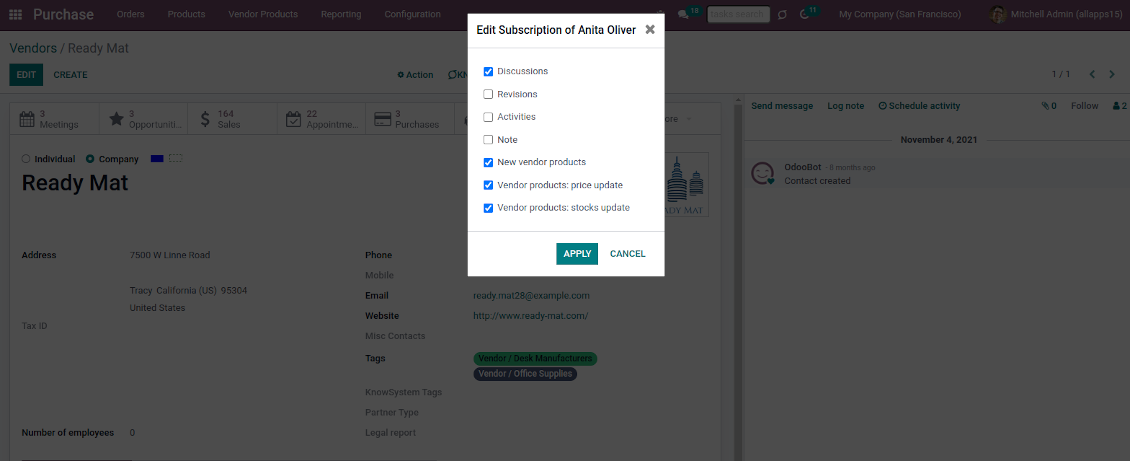
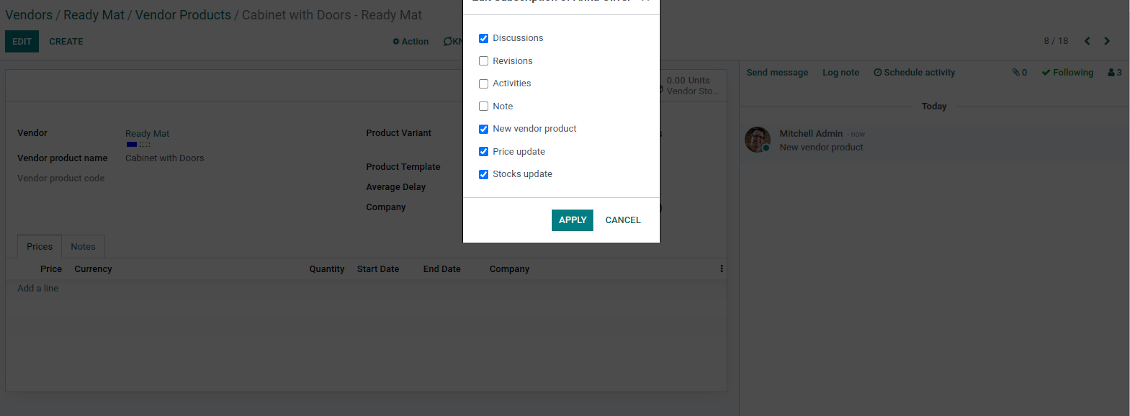
Any portal user may create, update, and archive products related to their company. Any Odoo user with access to products might rely upon vendor data for informational purposes. Any purchase manager may create, update, and archive vendor-related objects. Such managers might also get notifications of newly registered vendor products and of their prices or inventory updates.
Odoo supplier portal
-
Odoo portal allows quickly search and manage vendor products, locations, and stocks
-
Portal users may register, update, and import new items for their product catalog at any moment
-
Vendor representatives might manage their price lists, including registering new offers; modifying their validity period and minimum rules; deleting prices
-
Vendor users may import products and prices in a form of the predefined Excel table
-
Vendor representatives might manage their warehouses, including registering new locations; modifying their titles, descriptions, addresses, and delivery time; deleting warehouses
-
Suppliers can update inventory data, in particular register new and change stock levels per each location
-
Vendor users may import inventory levels in a form of the predefined Excel table
-
Suppliers can archive and restore products, prices, warehouses, and stocks.
Vendor inventories control
-
Each vendor stock level is provided per definite vendor location (warehouse). Vendors might create, edit, and archive their own warehouses
-
The tool allows an unlimited number of vendor locations per supplier. Locations are distinguished by name, address, and average delivery time
-
Keep stock levels in vendor units of measure, but purchase managers should make sure it has the same category as a linked Odoo product. The idea is to support conversion in order for internal users to work with habitual figures. For example, dozens and units are fine, while dozens and hours might lead to inconsistent procurement
-
Vendor stocks and locations might be switched off for portal users on the app configuration page
-
Stock levels are not used in Odoo operations, but they are provided for general information. Inventory levels are updated either manually by purchase managers/vendor representatives or through the import
-
Odoo warehouses' stocks are not linked to vendor stocks. Vendor stocks are absolutely independent since it is not possible to control supplier moves, and, hence, to support the double-entry system
-
Vendor inventories might be of special importance in case of make-to-order logistics or drop shipping.
Vendor data import
Vendor products and prices
-
The tool lets vendor representatives and purchase users import vendor products and supplier prices as an Excel table in the predefined format. The table format is supplied with this tool source code and would be available on the configuration page as the 'Template for vendor products import' and in the import wizard under the section 'Help'
-
In the wizard, users can select whether previous products of this vendor should be archived. It lets fully replace this supplier product catalog with a new one
-
In the wizard, users can select whether previous prices should be marked as outdated. It lets remove misleading data.
Vendor products and stocks
-
The tool lets vendor representatives and purchase users import vendor products and stock levels as an Excel table in the predefined format. The table format is supplied with this tool source code and would be available on the configuration page as the 'Template for vendor stocks import' and in the import wizard under the section 'Help'
-
In the wizard, users can select whether previous products of this vendor should be archived. It lets fully replace this supplier product catalog with a new one
-
In the wizard, users can select whether previous stocks are not correct. It lets have fully topical data after each import.
General import rules
-
Change the tables' content to provide more specific examples and labels. However, do not modify columns' order and do not remove those: it would lead to inevitable mistakes
-
The import wizards offer useful tips to make a correct import. You may edit those recommendations on the configuration page, but make sure you do not remove critical advice
-
Each import finishes with the special popup of the results and the errors. It lets control of what has been actually done
-
In the wizards select which table lines should be imported. It is useful in case the number of lines is too big to import them all
-
While preparing the table for import be cautious with cell formats and make sure portal users know that. Dates should be dates, numbers should be numbers, currencies, and units of measure should be chosen among active in Odoo
-
In case import can't be fully finished until Odoo stops it, contact your system administrator to increase configured time-outs or split an imported table into a few ones.
관련 자주 묻는 질문 Vendor Products Portal Odoo v.15
모듈 Vendor Products Management와 Vendors Product Portal의 차이는 무엇입니까?
앱 Vendor Products Portal은 앱 Vendor Products Management의 추가 기능입니다. 후자는 공급업체 제품, 가격, 재고를 Odoo 백엔드에서만(내부 사용자) 관리합니다. 전자는 포털 사용자(공급업체)가 직접 카탈로그를 넣고 관련 문서(가격, 창고, 재고 수준)를 업데이트/가져오도록 확장합니다. Vendor Product Management는 모듈 Vendor Products Portal의 필수 의존성입니다.
도구의 업데이트 정책은 무엇입니까?
현재 Odoo Apps Store 정책에 따르면:
- 버전 12.0 이하용으로 구매한 모듈은 12.0까지의 모든 버전에 접근할 수 있습니다.
- 버전 13.0부터는 모듈 버전마다 따로 구매해야 합니다.
- 버전과 관계없이 구매하면 해당 메이저 버전 내의 모든 업데이트와 버그 수정 권한이 있습니다.
faOtools 팀은 해당 정책을 통제하지 않습니다. 문의는 Odoo Apps Store 담당자에게 직접 하세요.
앱을 Odoo.sh에 어떻게 설치하나요?
가장 단순한 방법은 Odoo 스토어의 기본 제공 워크플로를 사용하는 것입니다:
1. 모듈 페이지를 열고 Deploy on odoo.sh 버튼을 클릭합니다.
2. 그러면 GitHub 페이지로 이동합니다. 계정에 로그인한 뒤 'Create a new repo'를 클릭하거나 기존 저장소를 사용하세요. 저장소는 비공개여야 합니다. OPL-1 라이선스 앱을 공개하는 것은 허용되지 않습니다. 필요하면 Odoo.sh 프로젝트용 새 repo를 만드세요.
3. 그런 다음 odoo.sh로 가서 Deploy 버튼을 클릭합니다. 팝업에서 결정을 제출하고 'Continue.'를 클릭합니다. 그러면 설치가 시작됩니다.
이 단계로 프로젝트의 프로덕션 브랜치에 앱이 설치됩니다. 다른 브랜치에 앱을 배포하거나 모듈을 업데이트하려면 다음을 수행하세요:
1. Odoo 스토어에서 앱 소스 코드를 업로드합니다.
2. 모듈을 필요한 GitHub 저장소에 커밋합니다. 앱 폴더/파일이 무시되지 않는지 확인하세요(즉 repo의 .gitignore에 넣지 마세요). 저장소는 odoo.sh가 자동 생성하며 기본적으로 중요한 항목(예: /lib)이 포함될 수 있습니다. 모듈의 모든 디렉터리, 하위 디렉터리, 파일을 예외 없이 업로드하세요.
3. odoo.sh 프로젝트의 대상 브랜치를 Deploy하거나, 설정이 그렇게 되어 있으면 자동 빌드될 때까지 기다립니다.
자체 서버에 앱은 어떻게 설치하나요?
2. Odoo 서버를 다시 시작합니다;
3. 개발자 모드를 켭니다(기술 설정);
4. 앱 목록을 업데이트합니다(앱 메뉴);
5. 앱을 찾아 'Activate'/'Install'을 누릅니다;
6. 앱 페이지에 안내가 있으면 따릅니다.
앱에 추가 기능이 있는 것을 봤습니다. 나중에 구매해도 되나요?
네, 물론입니다. 동시에 Odoo가 모든 의존성을 장바구니에 자동 추가하므로, 이중 결제를 피하려면 이미 구매한 도구를 제외하십시오.
앱을 Odoo.sh에 배포했는데 테스트에서 경고/오류가 보입니다
빨강/주황 경고는 앱 기능에 영향을 주지 않습니다. 안타깝게도 표준 자동 테스트가 앱 목표와 충돌하는 동작을 가정해 모듈이 통과하지 못할 때가 있습니다. 예를 들어 우리는 가격 계산을 바꾸는데, 표준 Odoo 모듈 테스트는 최종 가격을 표준 알고리즘과 비교합니다.
먼저 배포된 데이터베이스 기능이 정상인지 확인하십시오. 모두 올바르게 동작합니까?
그래도 경고가 실제 기능에 영향을 준다고 생각되면 연락해 주시고 전체 설치 로그와 배포된 모듈 전체 목록(코어 및 서드파티 포함)을 보내 주십시오.
앱을 귀사에서 직접 구매할 수 있나요?
아니요, 도구는 오직 공식 Odoo 앱 스토어.
할인을 받고 싶습니다
유감스럽게도 개별 가격을 제공할 기술적 수단이 없습니다.
Odoo Online (SaaS) 데이터베이스에 앱을 설치할 수 있나요?
아니요, 서드파티 앱은 Odoo Online에서 사용할 수 없습니다. 유감스럽게도 Odoo SaaS가 이를 차단합니다.
도구가 다른 앱에 의존합니다. 그것도 구매해야 합니까?
예, 도구가 올바르게 동작하려면 의존성에 표시된 모든 모듈이 필요합니다. 앱 페이지의 가격에는 필요한 의존성이 이미 포함되어 있습니다.
모듈의 미국 달러 가격은 얼마입니까? 왜 바뀌었습니까?
모듈 가격은 유로로 책정됩니다. Odoo 스토어는 내부 환율에 따라 다른 통화로 변환합니다. 따라서 환율이 갱신되면 미국 달러 가격이 바뀔 수 있습니다.
영어 이외 언어의 앱·웹사이트 문구는 AI 지원으로 작성되며 공식 Odoo 번역과 맞춥니다. 오류를 발견하시면 번역 정확성 티켓을 보내 주세요 그러면 수정하겠습니다.
버그 신고
버그나 일관되지 않은 동작을 발견하면 주저 말고 문의하세요. 구매 후 60일 이내 수정을 보장하며, 그 이후에도 도구를 개선하는 데 관심이 큽니다.
문의에 전화번호나 신용카드가 필요 없습니다. 30초가 넘지 않는 짧은 이메일 가입만 하면 됩니다.
요청에 가능한 한 많은 세부정보를 포함하세요: 스크린샷, Odoo 서버 로그, 문제 재현 방법의 전체 설명 등. 일반적으로 이슈에 대한 작업 계획 준비(버그가 확인된 경우) 또는 수행 지침 제공(그 외의 경우)에는 영업일 기준 며칠이 걸립니다.
공개 기능 요청 및 모듈 아이디어(무료 개발)
도구를 개선하려는 동기가 강하며 어떤 피드백이든 감사드립니다. 요구 사항이 공익에 맞고 효율적으로 구현될 수 있다면 팀이 할 일 목록에 넣습니다.
이런 할 일 목록은 정기적으로 처리되며 추가 요금이 없습니다. 기한과 최종 디자인을 약속할 수는 없지만, 투자와 위험 없이 원하는 기능을 얻는 좋은 방법이 될 수 있습니다.
문의에 전화번호나 신용카드가 필요 없습니다. 30초가 넘지 않는 짧은 이메일 가입만 하면 됩니다.

Odoo 첨부 파일을 폴더로 유연하게 구성하고 Google Drive, OneDrive/SharePoint, Nextcloud/ownCloud, Dropbox, Amazon S3, Box, NAS와 디렉터리를 동기화하는 도구. DMS. 파일 관리자. 문서 관리 시스템
398€

내부와 외부 모두를 위한 깊고 구조화된 지식 베이스를 구축하는 도구. Knowledge System. KMS. 위키형 개정.
398€




